Software Testing Foundation
Test your memory of the subject!
Test your memory of the subject!
The exam is a multi-choice test of your understanding of the syllabus. It lasts for 60 minutes and is comprised of 40 questions, each with 4 options. You must achieve a minimum of 26/40, or 65%, to pass. Details of the syllabus can be found here.
Be careful of 'negative' questions (eg 'which of the following is not included in ...'). These can often be misinterpreted under pressure of time.
K3 questions test your ability to apply a technique but the 'K' levels do not necessarily equate to level of difficulty - it's more about the level of understanding required - and they represent the highest level at which they could be examined. Even although a subject is labelled as K3 in the course or syllabus, for instance, doesn't mean that the question in the exam has to be at K3. It might be at K1 or K2.
We hope you find the application useful - do let us know, using the feedback form at the bottom of this page, if we can improve things.
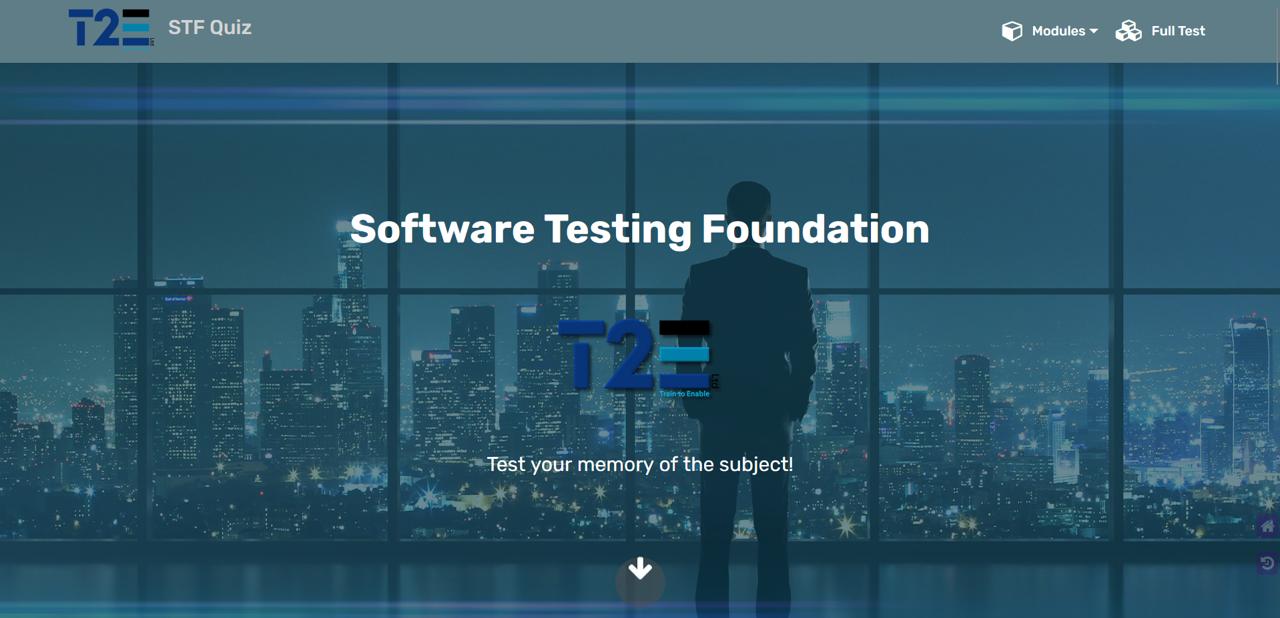
The Main Screen Here is the screen you see when you fire up the test on a desktop, tablet or laptop. The menu across the top allows you to select the full test (indicated by ) or a 5-question quiz from the dropdown on any of the modules (indicated by ) associated with this syllabus.
On mobile devices, the full-width menu is replaced by the hamburger symbol to the right hand side of the bar. Click it to see a drop down of the available quizzes.
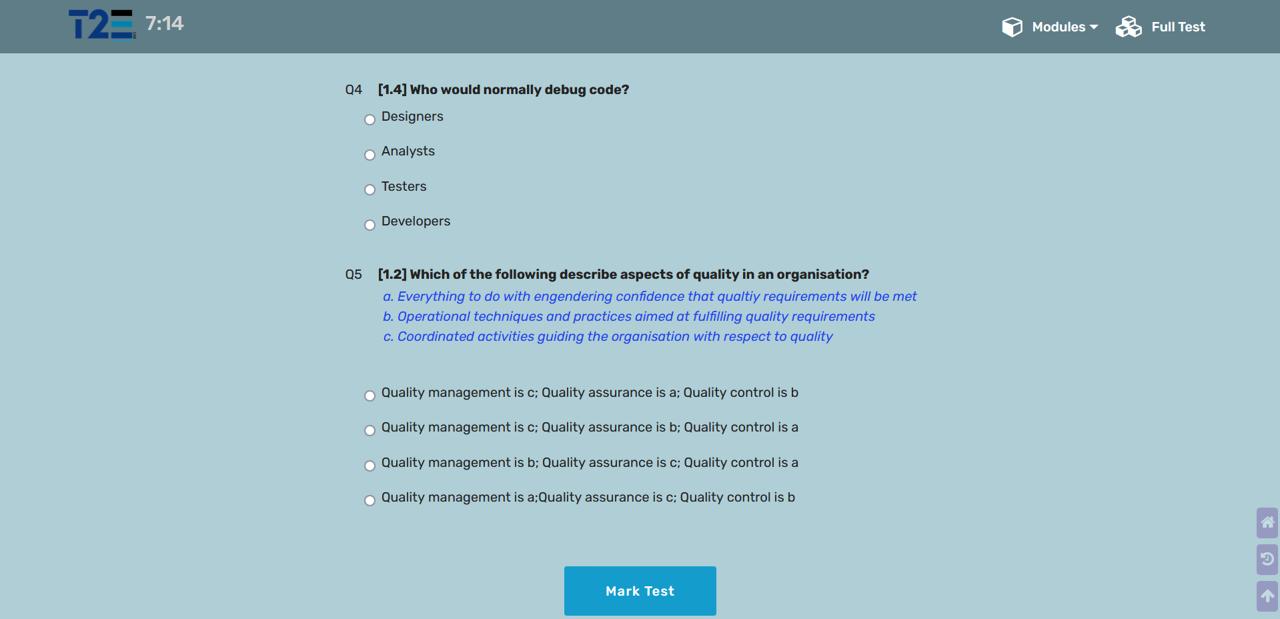
The Quizzes The quiz itself is shown in this image (the mobile view has far less unused space). You have until the timer expires - 7.5 minutes for a 5-question knowledge check on any of the syllabus chapters and 1 hour for a full mock exam. Note the navigation icons at the bottom right. These will take you to the Home page or to the previous page, respectively. Scrolling down the page will reveal a third icon to allow you to scroll back up to the top.
On completion, simply click the "Mark Test" button at the bottom of the page to see your results. You will see the statistics just above the button (which is now greyed out). Correct answers will now have a green "thumbs-up" symbol beside the associated question, while wrong answers will have a red "thumbs-down" (as shown). In either case, the correct option will now be displayed in green. If the timer expires before you finish, the button will be disabled and the quiz marked automatically.
You can now choose to do a new, randomised quiz by selecting the same option from the menu, or try a different module.
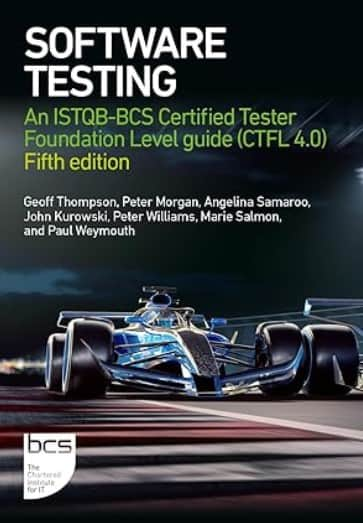
This study guide explains the basic steps of software testing and how to perform effective tests in both traditional and Agile environments. It provides an overview of all key techniques, including dynamic and static, and guidance on exam preparation for the ISTQB Certified Tester Foundation Level exam (current to v4.0). This is the official BCS and UKITB textbook , and includes self-assessment exercises, guidance notes on the syllabus topics, plus examples and exercises reflecting current technology and applications, as well as example questions aligned to the syllabus. This brand new fifth edition is ideal for those with a little experience of software testing who wish to cement their knowledge with industry-recognised techniques and theory and those who wish to undertake the ISTQB CTFL v4.0 certification.
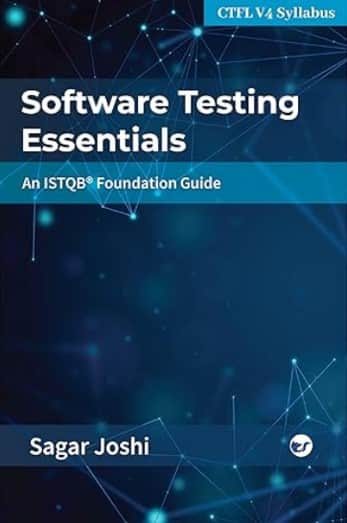
Authored by Sagar Joshi, this comprehensive book simplifies software testing concepts, aligning perfectly with the ISTQB syllabus (version 4.0) to prepare you for certification and real-world testing challenges.
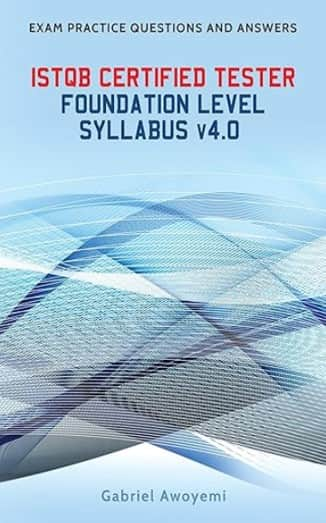
This ISTQB Certified Tester Foundation Level Practice Questions is useful for those self-studying or attending a course for the certification exam. This book will test you on your understanding and retention of the topics in the Syllabus v4.0. The questions are structured similarly to the real exam and contains scenario based and direct questions with some multiple-choice answer options. The answer section is explained in detail to enable understanding with reasons why other options are wrong. This book will help you to learn the software testing concepts, gain familiarity of the terminology in the syllabus and apply some of the Test Techniques. It is highly recommended to use this book together with the ISTQB Certified Tester Foundation Syllabus v4.0.