Modelling Business Processes
Test your memory of the subject!
Test your memory of the subject!
The exam is a multi-choice test of your understanding of the syllabus. It lasts for 60 minutes and is comprised of 40 questions, each with 4 options. You must achieve a minimum of 26/40, or 65%, to pass. Details of the syllabus can be found here.
Be careful of 'negative' questions (eg 'which of the following is not included in ...'). These can often be misinterpreted under pressure of time.
K3 questions test your ability to apply a technique but the 'K' levels do not necessarily equate to level of difficulty - it's more about the level of understanding required - and they represent the highest level at which they could be examined. Even although a subject is labelled as K3 in the course or syllabus, for instance, doesn't mean that the question in the exam has to be at K3. It might be at K1 or K2.
We hope you find the application useful - do let us know, using the feedback form at the bottom of this page, if we can improve things.
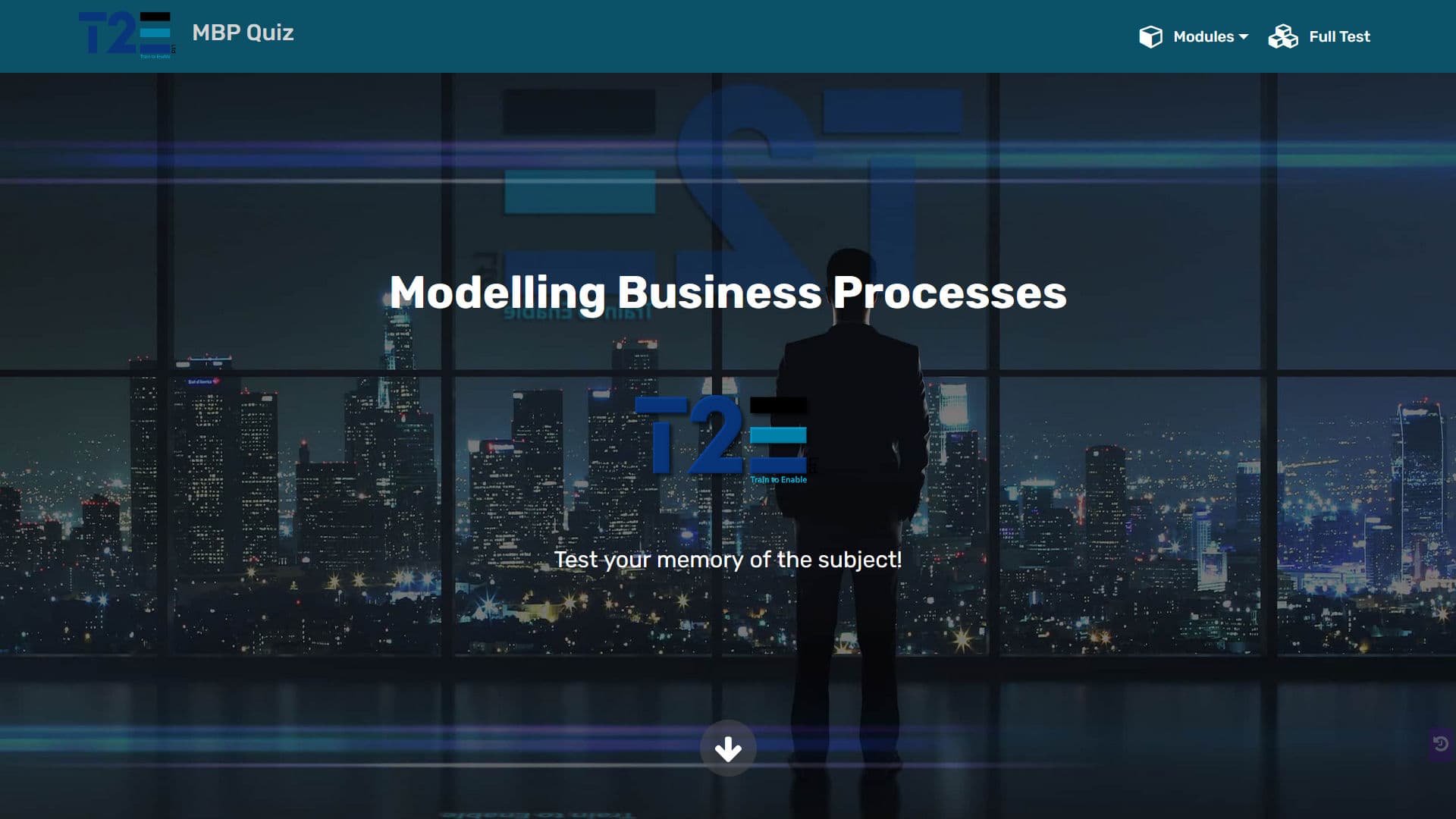
The Main Screen Here is the screen you see when you fire up the test on a desktop, tablet or laptop. The menu across the top allows you to select the full test (indicated by ) or 5-question quiz on any of the modules (indicated by ) associated with this syllabus.
On mobile devices, the full-width menu is replaced by the hamburger symbol to the right hand side of the bar. Click it to see a drop down of the available quizzes.
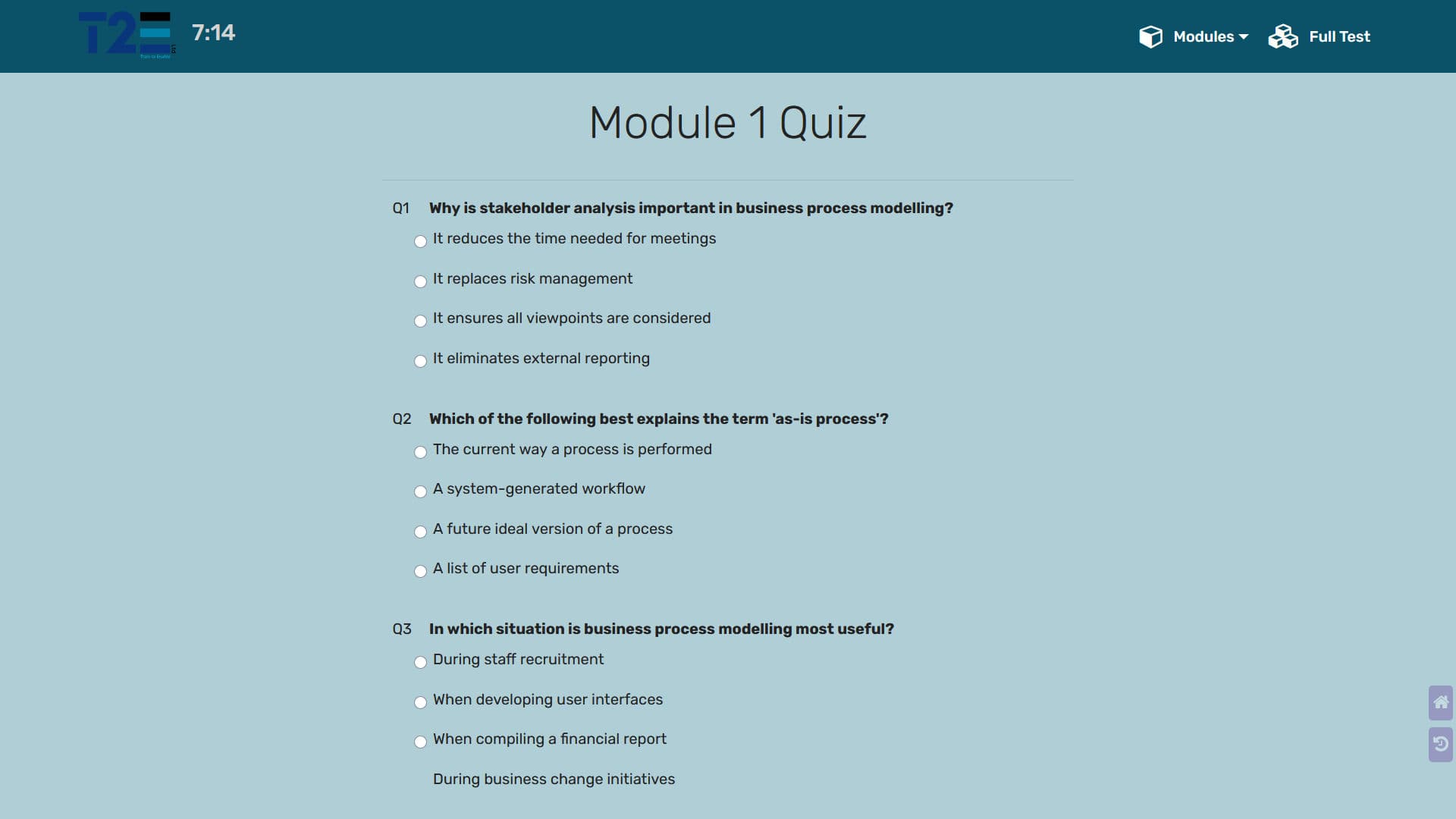
The Quizzes The quiz itself is shown in this image (the mobile view has far less unused space). You have until the timer expires - 7.5 minutes for a 5-question knowledge check on any of the syllabus chapters and 1 hour for a full mock exam. Note the navigation icons at the bottom right. These will take you to the Home page or to the previous page, respectively. Scrolling down the page will reveal a third icon to allow you to scroll back up to the top.
On completion, simply click the "Mark Test" button at the bottom of the page to see your results. You will see the statistics just above the button (which is now greyed out). Correct answers will now have a green "thumbs-up" symbol beside the associated question, while wrong answers will have a red "thumbs-down" (as shown). In either case, the correct option will now be displayed in green. If the timer expires before you finish, the button will be disabled and the quiz marked automatically.
You can now choose to do a new, randomised quiz by selecting the same option from the menu, or try a different module.
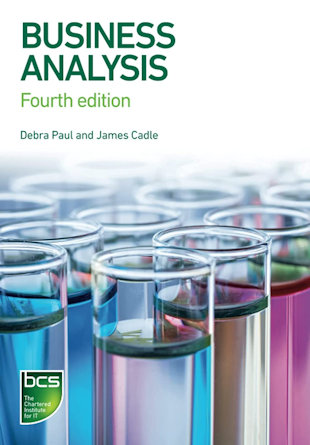
This is the primary resource for candidates attempting either the diploma or its associated certificates. Business analysts must respond to the challenges of today's competitive global economy by developing practical, creative and financially sound solutions and this excellent guide gives them the necessary tools to do so. It is also ideal for students wanting to gain university and industry qualifications. This fourth edition of the bestseller contains a new chapter on business analysis as a service and includes expanded material on strategic context, modelling business processes and gap analysis.
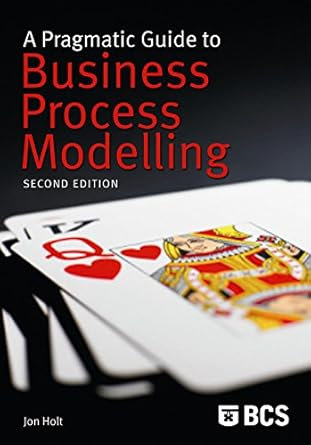
This expanded second edition shows how effective and accurate modelling can deliver a more complete understanding of a business. By applying the visual modelling techniques described here, it is possible to map an entire business, using the Unified Modelling Language (UML). Jon Holt covers all aspects of the BPM process, including analysis, specification, measurement and documentation. New chapters deal with the presentation of process information, enterprise architecture and business tools.
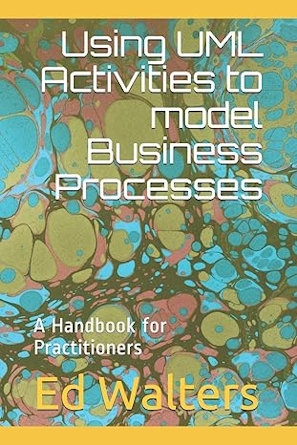
This Handbook is on the subject of using Activities and Activity Diagrams, as defined by the Unified Modelling Language (UML), to model Business Processes. As such it may be useful to architects, analysts and designers who are engaged in modelling enterprise processes for whatever reason.

United Kingdom
Email: help@train2enable.com
(Content issues only - no services or promotions)